
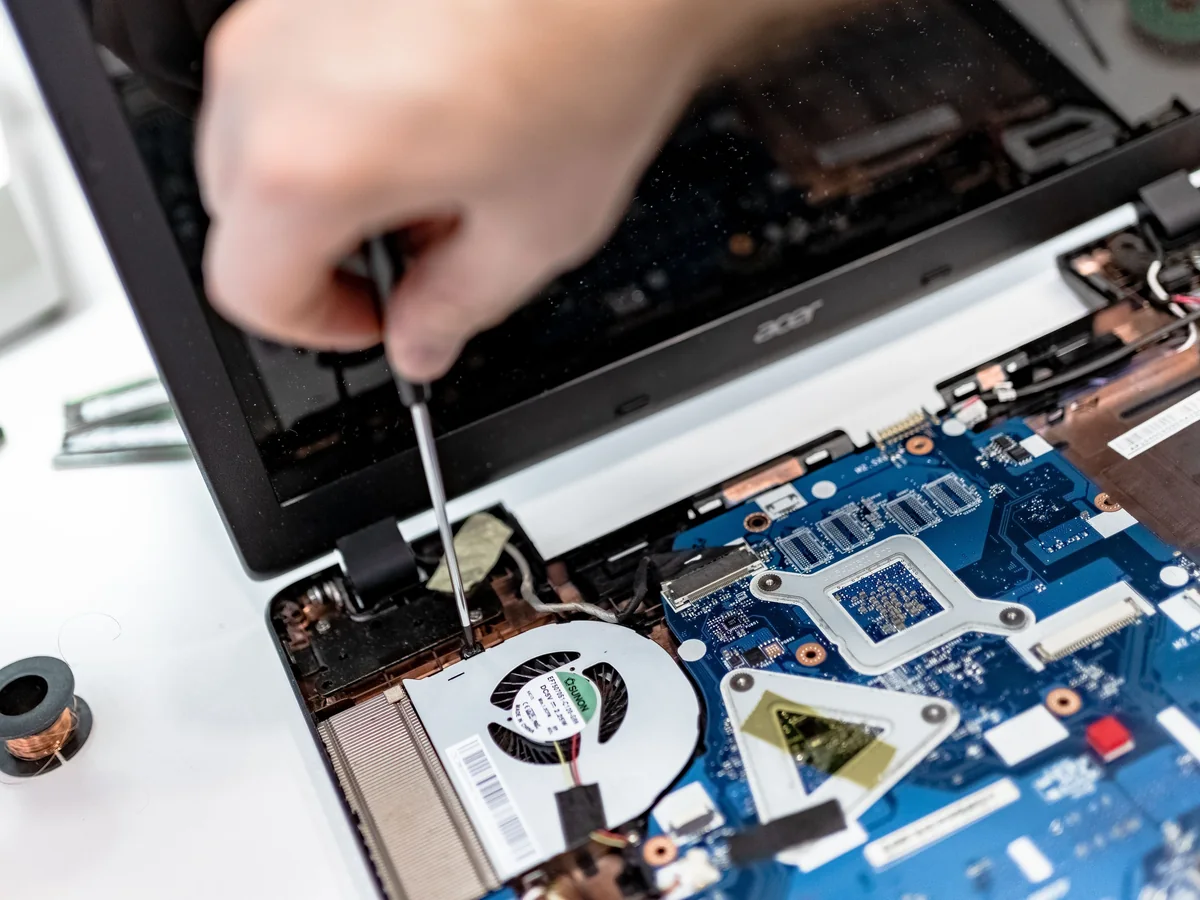
Why laptops become hot
Processors and graphics chips produce heat during normal use. The cooling system moves that heat through thermal material, heat pipes, fans and exhaust vents. Dust, blocked airflow, worn fans, dried thermal material or heavy software load can reduce cooling performance.
Warning signs that need attention
- Fan running loudly for long periods
- Performance slowing significantly under normal work
- Laptop becoming unusually hot near the keyboard or vents
- Unexpected shutdown or restart during load
- Battery, charger or palm-rest area becoming excessively hot
- Burning smell or fan grinding noise
Safe steps you can try
- Use the laptop on a hard, flat surface rather than fabric
- Check that vents are not blocked
- Close unnecessary heavy applications and review system activity
- Install legitimate operating-system and driver updates
- Back up important data before the problem worsens
Avoid forcing air or opening the laptop without preparation
High-pressure air can overspin a fan or push debris deeper. Laptop screws, clips, cables and thermal systems vary by model, so incorrect opening can cause damage.
When service may be required
Professional inspection may include internal cleaning, fan testing, thermal material service, storage health checks and power diagnosis. AIFONE Care supports selected Windows laptops and MacBooks from Palarivattom, Kochi.
Service note: This guide provides general information. The correct repair depends on the exact device, condition and diagnosis. Back up important data whenever possible.